
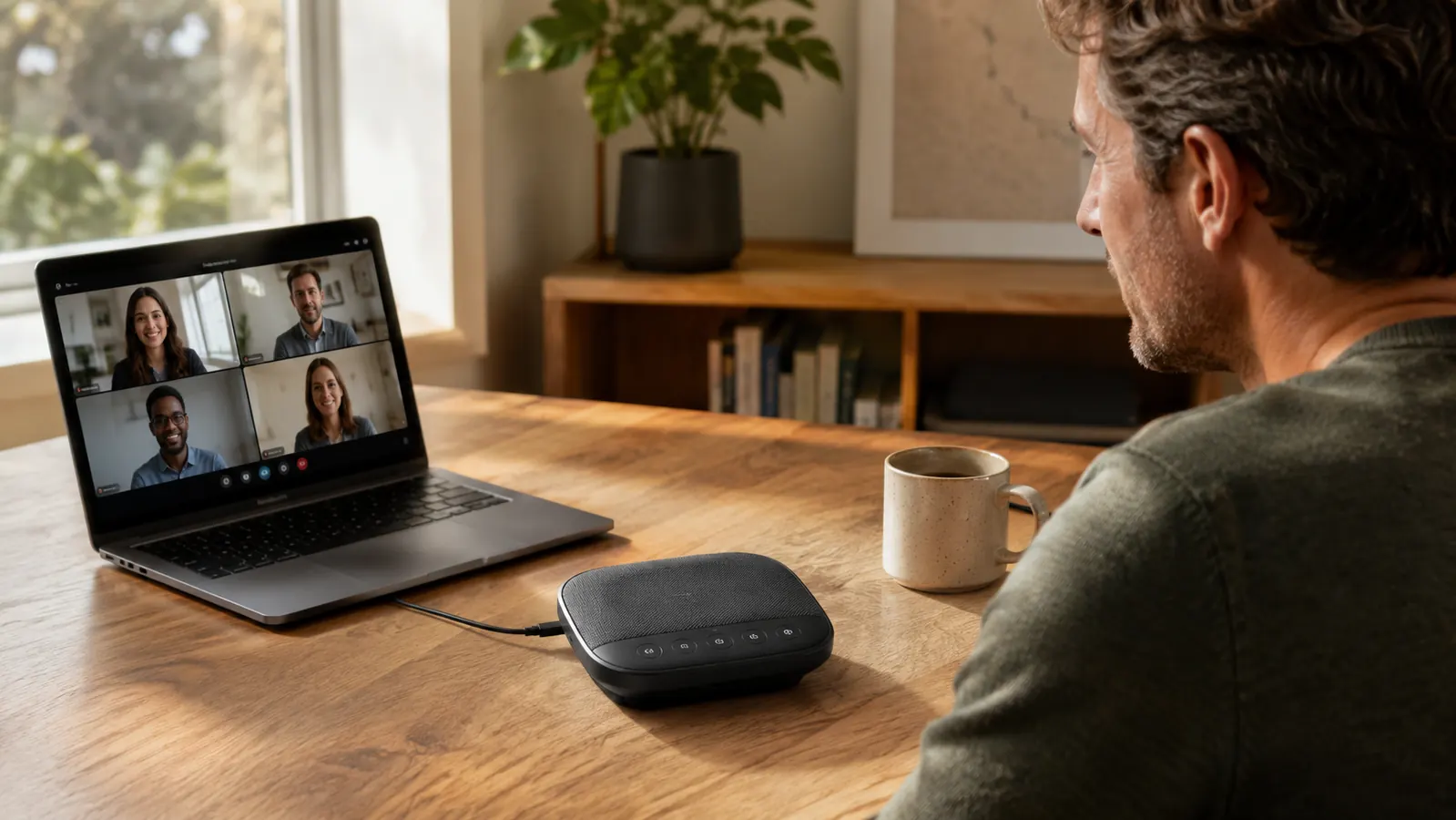
I plugged in the Anker PowerConf S330 on a Monday morning in January and it has not left my desk since. Six months, somewhere around 400 video calls across Zoom, Microsoft Teams, and Google Meet, and I have a very clear picture of what this thing does well, what it doesn't, and whether the price is actually justified. The short version: if you are still using your laptop's built-in speakers and microphone for calls, you are making other people on the call work harder than they should have to.
I am Marcus Reed. I have been working remotely since 2018 and I have tested more home office audio gear than I care to admit. The S330 is the device I kept. Before I explain why, let me lay out exactly what I was dealing with before it arrived: a ThinkPad X1 Carbon, a shared room with a ceiling fan I cannot turn off in summer, and back-to-back calls starting at 8 a.m. That is the context the S330 had to survive.
The Quick Verdict
A USB conference speakerphone that actually delivers on mic pickup and voice clarity for solo home office calls, held back only by bass-light speaker output and occasional USB-C connection quirks.
Amazon Check Today's Price →Your coworkers can hear the ceiling fan. The S330 fixes that.
The Anker PowerConf S330 uses six microphones in a 360-degree array to pick up your voice and reduce background noise. Check current pricing on Amazon before your next call.
Amazon Check Today's Price on Amazon →How I've Used It
The S330 ships with a USB-A cable, a USB-C adapter, and a carrying pouch that I have used exactly once. Setup is plug-and-play: I connected it to my ThinkPad via USB-C and Windows 11 recognized it instantly, no drivers, no Anker app required. That matters because I do not have time to troubleshoot audio software before an 8 a.m. standup.
My desk runs about 30 inches deep. I positioned the S330 roughly 18 inches from where I sit, slightly off-center toward my dominant side. Over six months I experimented with placement: directly in front of the monitor, off to the right, and pushed back near the monitor base. The 18-inch forward position gave me the most consistent results on Teams, where background noise suppression sometimes fights with quiet voices.
I run calls with 2 to 14 participants, mostly in groups of 4 to 8. Solo one-on-ones, small team standups, client presentations, and one company-wide all-hands where I was a panelist. The S330 handled all of them, though the all-hands situation surfaced one limitation I will cover in the tradeoffs section.
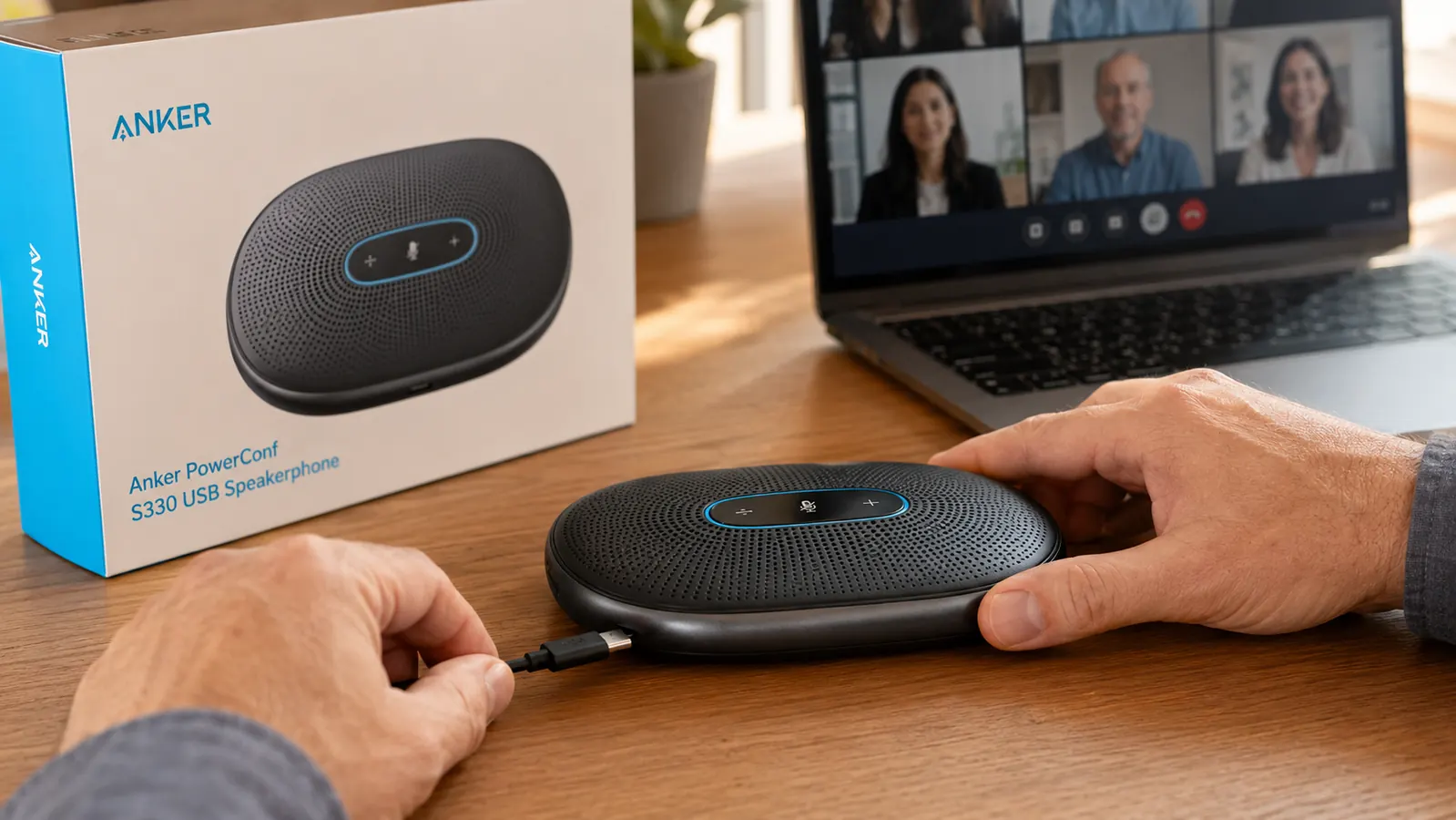
Microphone Performance: The Reason to Buy This
The S330 has six microphones arranged in a full 360-degree pickup pattern. Anker claims it can pick up voices from up to 8 feet away. After six months I can confirm the pickup range is real. My wife walked into the room to ask me something during a call, stood roughly 6 feet away near the door, and two people on the call asked who had joined. That is an embarrassing but accurate data point.
What impresses me more than raw pickup range is how the S330 handles ambient noise. My home office is not acoustically treated. There is a window air conditioner in summer, a ceiling fan, a mechanical keyboard I refuse to give up, and occasional street noise from a truck route one block over. On my laptop's built-in microphone, people regularly asked me to mute when I wasn't talking. On the S330, I stopped getting those comments within the first two weeks.
I asked three people I have regular calls with to describe what changed. All three said the same thing in different words: my voice sounds fuller and more present, and they stop noticing the audio entirely, which is the goal. The S330's noise cancellation is not magic. Type aggressively and it will still transmit some of it. But conversational ambient noise disappears.
I stopped getting 'can you mute?' requests within two weeks of plugging it in. After six months I don't think about call audio anymore. That's the real test.
Speaker Output: Good Enough, Not Great
This is where the S330 shows its limitations and where I want to save you from overestimating what you are buying. The speaker is clear and intelligible at normal call volumes. I can hear people fine at 60 to 70 percent volume, even in a slightly noisy room. Voice reproduction is accurate and there is no distortion at higher volumes.
But the S330 is tuned entirely for voice. If you play music through it while working, it sounds thin. Bass is nearly absent and there is a ceiling on loudness that you will hit before the room fills with sound. For listening to call participants, webinar audio, or a training video while you work, it is fine. For anything else, keep your regular speakers around.
I also noticed that the S330's speaker performance drops noticeably if a call uses heavily compressed audio, which happens on Teams with some older enterprise setups. Voices become slightly robotic-sounding, though this is a Teams codec issue rather than an S330 limitation. Zoom and Google Meet both sounded consistently clean throughout my six months of testing.
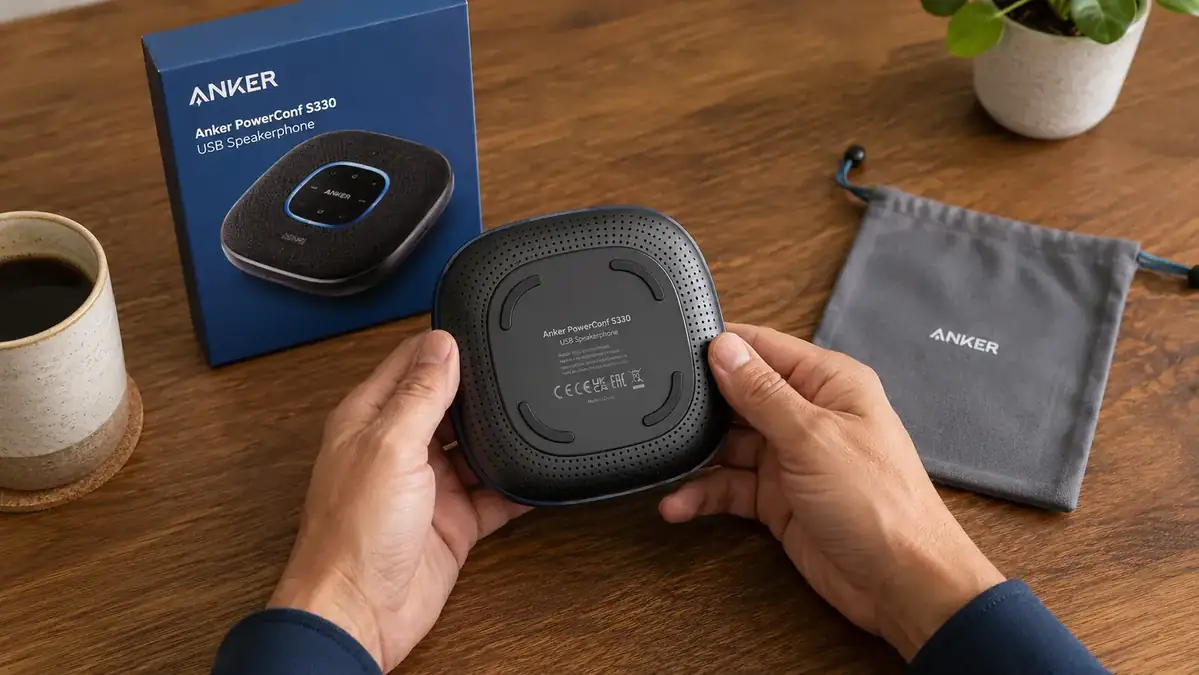
Build Quality and Desk Presence After Six Months
The S330 is compact. At roughly 4.7 inches in diameter it takes less desk space than a coffee coaster. The matte plastic housing has survived daily use without scratches or loose components. The four physical buttons on top, volume down, volume up, mute, and call answer/end, have not developed any wobble or mushiness. The LED mute indicator is visible from across the room, which matters when you glance up and need to know quickly whether you are live.
One honest build complaint: the USB-C cable that ships with the unit is shorter than I would like at around 4 feet. For most desks this is enough. My desk runs cables through a rear grommet and the cable barely reaches. I eventually switched to a 6-foot third-party USB-C cable with no issues, but it is the kind of thing that should not require a workaround on a hundred-dollar device.

Compatibility Over Six Months: Zoom, Teams, Meet
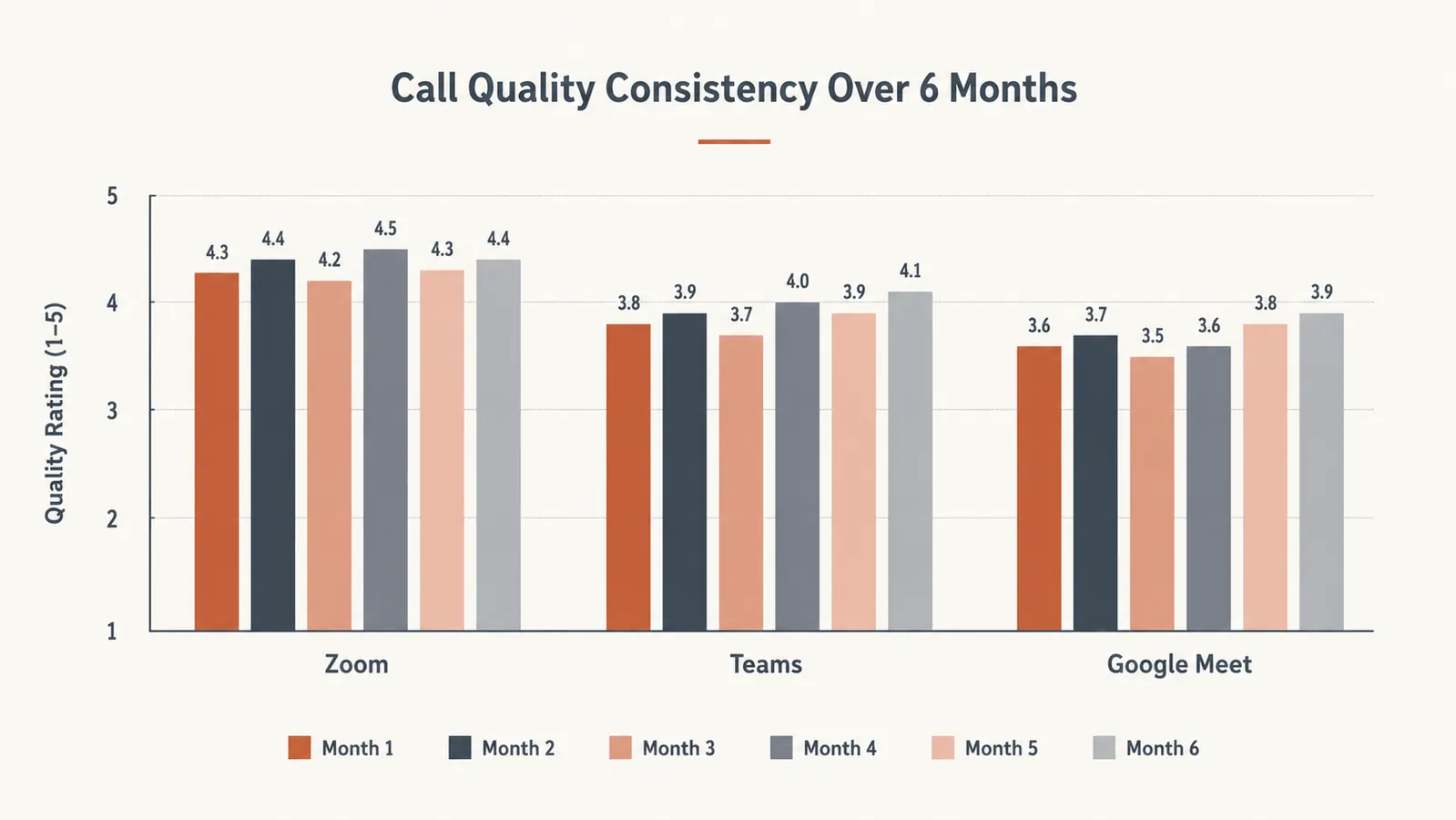
The S330 is certified for both Zoom and Microsoft Teams, and Anker prints that prominently on the box. After six months I can say the certification is not just marketing. On Zoom it is recognized as a verified audio device and you do not have to manually select it after reboots, it stays as the default. On Teams it integrates with the Teams app controls, so pressing the mute button on the device registers inside Teams rather than creating a local mute vs. Teams mute conflict.
Google Meet does not have an official S330 certification but I used it constantly on Meet anyway. The only quirk: Meet occasionally does not detect the S330 on the first browser tab open after a reboot. Toggling the audio input in Meet's settings and back resolves it in about 10 seconds. Minor, but worth knowing.
I also tested it briefly with Webex, Slack huddles, and a Loom recording session. All worked without issue. The S330 appears to the operating system as a standard USB audio device, so anything that can select a USB audio input will work with it.
What I Liked
- Six-microphone 360-degree pickup handles ambient home office noise better than any laptop mic I've used
- Plug-and-play on Windows and Mac, no drivers or companion app required
- Certified for both Zoom and Microsoft Teams, hardware mute button syncs with platform mute status
- Compact footprint takes less desk space than most phone chargers
- Mute LED visible from across the room so you always know your status
- Call quality consistent across six months, no degradation or reliability issues
Where It Falls Short
- Speaker output is voice-only in practice, thin on bass and limited volume ceiling
- Included USB-C cable is short at roughly 4 feet, may need a longer replacement for deep desks
- Google Meet occasionally requires a manual audio input toggle after reboot
- No wireless option, USB tether is required at all times
Who This Is For
The Anker PowerConf S330 is the right call for anyone who spends two or more hours per day on video calls from a home office and is currently using laptop audio. That is a wide audience. If you work in HR, sales, customer success, consulting, or any remote role with a heavy meeting load, the S330 pays for itself in the professional impression it creates within the first week. It also works for retirees who do frequent family video calls and find earbuds uncomfortable for long stretches.
It is particularly well suited for people in rooms with ambient noise they cannot control, ceiling fans, traffic noise, HVAC hum, laundry machines one room over. The six-microphone noise rejection is one of the more practical features on a device at this price point. If you want to read more on why speakerphones outperform headsets for daily call comfort, check our article on 10 reasons a conference speakerphone beats wearing a headset all day.
Who Should Skip It
If you need wireless flexibility, move around your home during calls, or want to take a speakerphone between multiple rooms without unplugging, the S330 is not the device for you. It is USB-only and requires a constant connection to a host device. Look at Bluetooth speakerphones if portability between rooms is a priority.
If you also want a capable desk speaker for music or general audio playback, skip the S330. Its speaker is engineered for voice clarity, not full-range audio. You would need a separate Bluetooth or USB speaker alongside it, which adds cost and desk clutter. Also skip it if you run calls with three or more people physically in the same room. The S330 handles solo use and occasional one-other-person-in-the-room scenarios fine, but it was not designed as a conference room device. For a direct comparison against one of its most common alternatives, see our breakdown of the Anker PowerConf S330 vs Jabra Speak 510.
Six months in, it's still the first thing I plug in every morning.
The Anker PowerConf S330 has not left my desk since January. If you are done apologizing for bad call audio, check the current price and see if it fits your budget.
Amazon Check Today's Price on Amazon →