
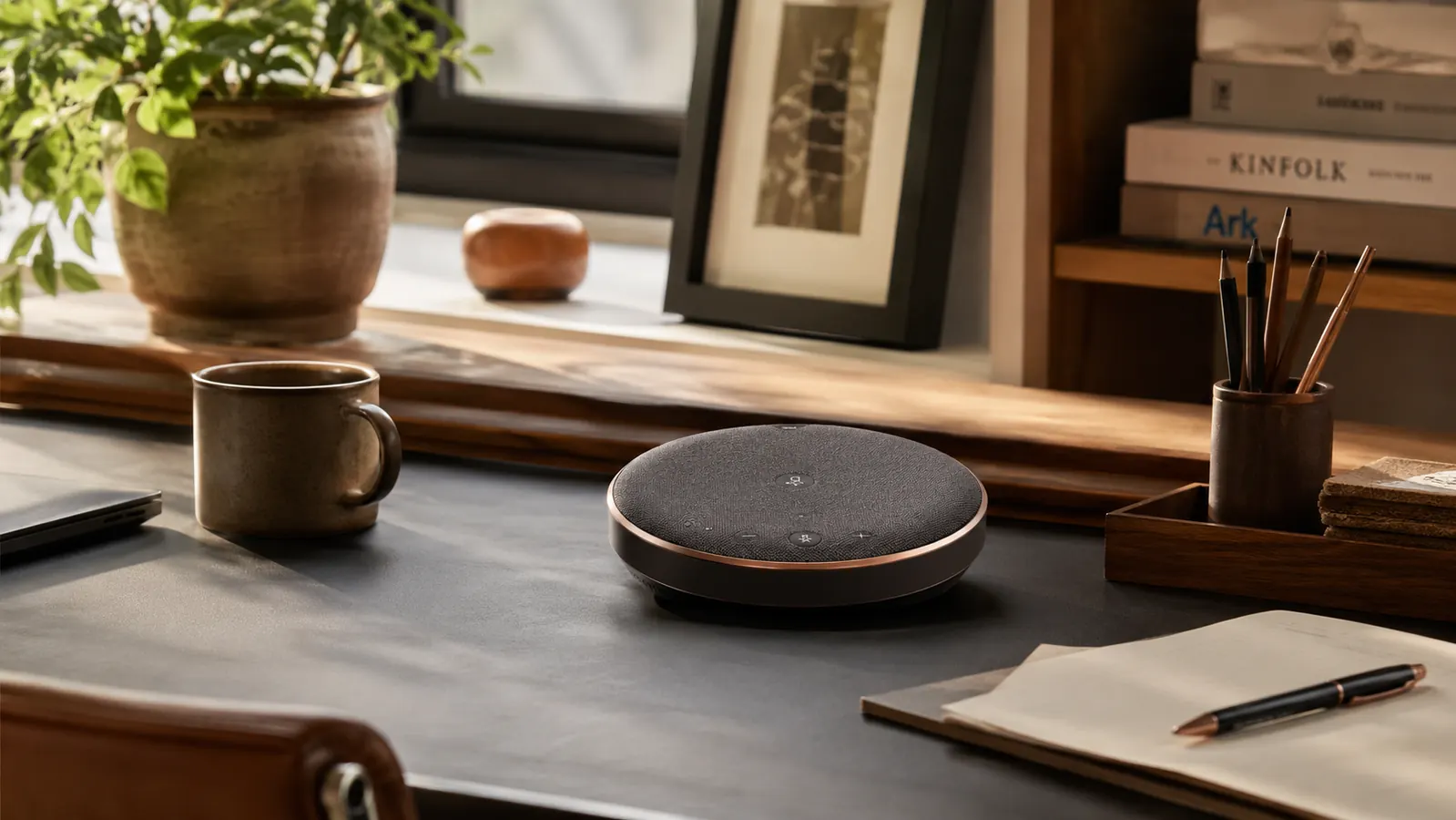
I bought the Anker PowerConf S330 on a Tuesday in February, mostly because I was tired of hearing myself apologize. Every call started the same way. "Marcus, you're still on mute." Or I would hear myself fine, but the people on the other end sounded like they were calling from a parking garage. I had been working remotely for over two years at that point, grinding through Zoom and Teams calls with an old gaming headset that pinched my left ear by noon. The Anker brand showed up in a few forums I trust, the S330 model kept coming up specifically, and the price was reasonable enough that I could justify testing it without a lot of hand-wringing.
I want to be honest about the state of my setup before that purchase. I had a decent monitor, a solid chair, a sit-stand desk. But audio was an afterthought. My thinking, for an embarrassing amount of time, was that good audio was something studios needed, not home offices. If I could hear the other person and they could more or less hear me, that was good enough. It took a particularly rough client call in January, the kind where you have to repeat yourself four times and still get blank stares, to finally change my mind.
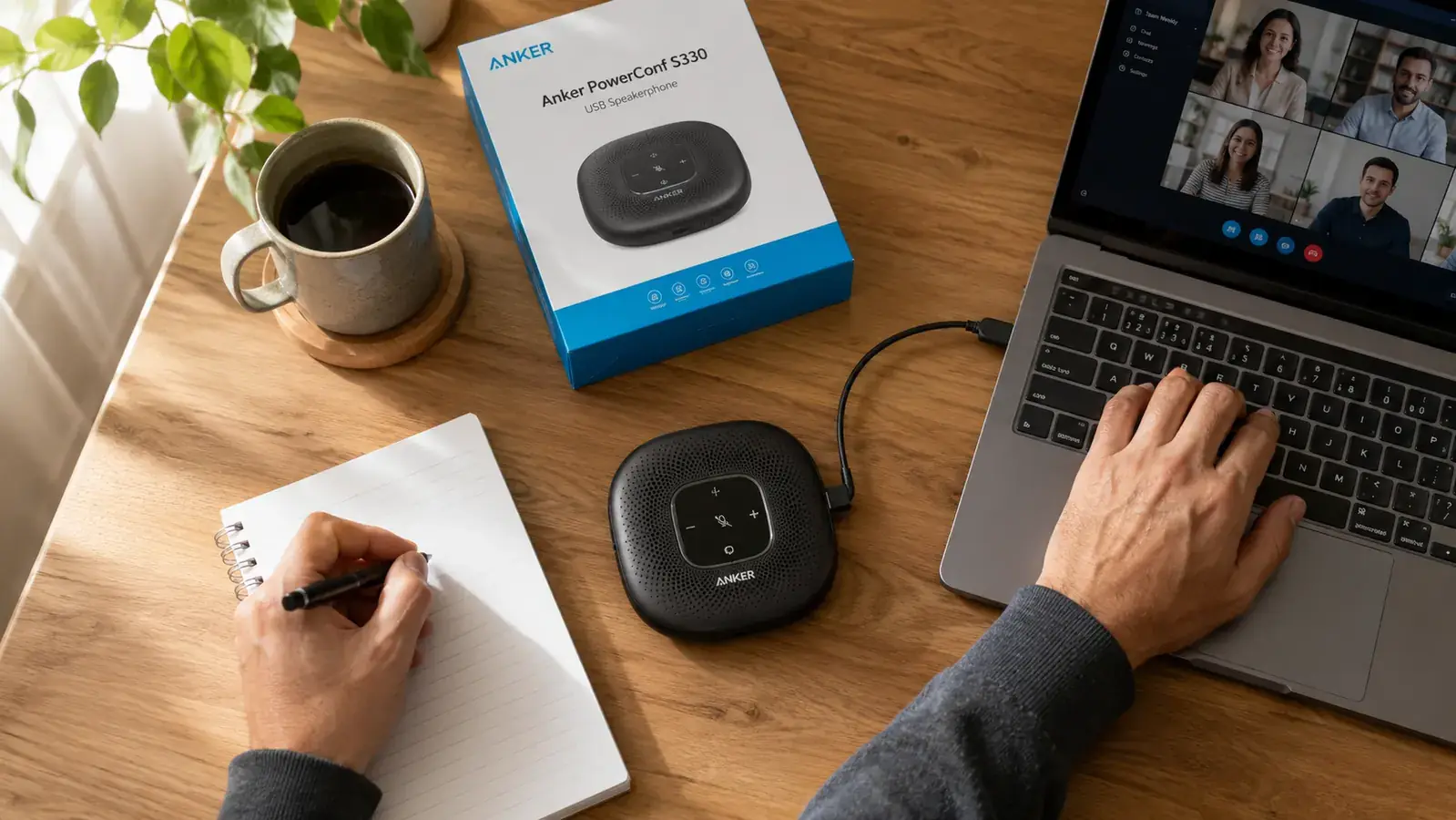
The S330 arrived in a small box, smaller than I expected. No setup software, no driver install. I plugged the USB cable into my laptop, the device showed up immediately as a sound input and output, and that was it. I had a standup call forty minutes later. I did not adjust anything. I just sat back in my chair, spoke at a normal conversational volume, and let the four built-in microphones do their job. Nobody asked me to repeat myself. One person on the call actually asked if I had gotten a new microphone. I said yes and left it at that.
Sitting back in my chair and speaking at a normal volume without worrying about mic placement changed how I show up on calls. Not slightly. A lot.
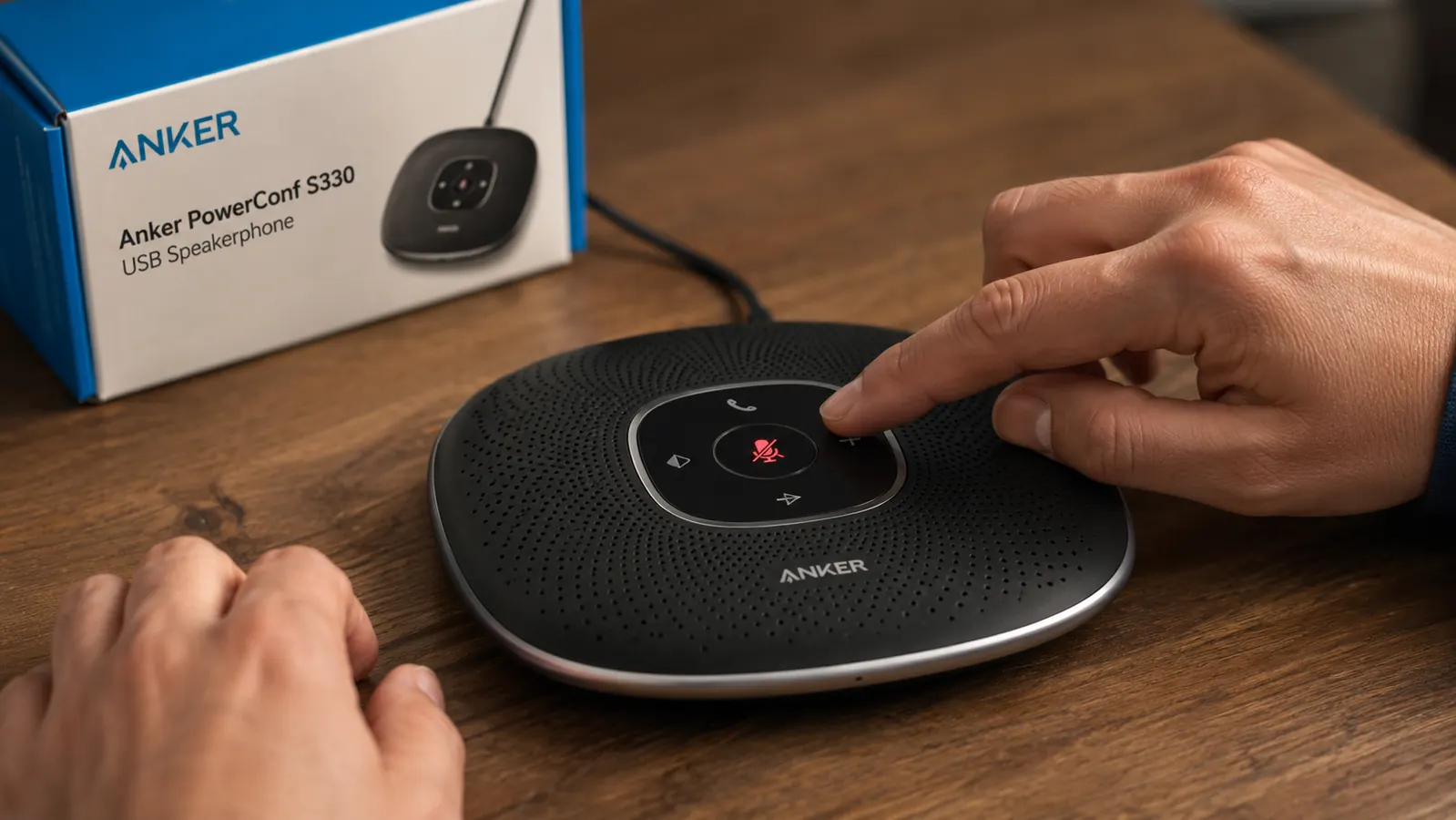
What I did not expect was how much the speakerphone would change my posture and my energy level through the day. With the headset, I was always slightly hunched, leaning forward, adjusting the boom mic so it sat close enough to my mouth. It sounds minor, but do that for three or four hours of calls and your back knows the difference by 4 p.m. With the S330 sitting on my desk, I sit back. I move around. I can take notes on paper without the cable pulling at my collar. The mute button is a physical button right on top of the unit, easy to find without looking, which sounds like a small thing until you realize you have been hunting for a software mute button in your taskbar for two years.

The speaker output is also better than I thought it needed to be. I do not play music through it, but call audio is full and clear. I stopped asking people to repeat themselves within the first week. The device handles echo cancellation well enough that I have never had anyone complain about hearing themselves back. In a room with hard floors and no acoustic treatment, that matters more than the spec sheet suggests.
If you are still on a headset four hours a day, your back already knows what I am about to say.
The Anker PowerConf S330 has 4.4 stars from over 1,800 verified buyers. Plug-and-play USB, voice pickup from across the room, and a mute button you can find without looking. No software install, no pairing headaches.
Amazon Check Today's Price on Amazon →I should mention the downsides, because there are a couple worth knowing before you buy. The S330 is designed for a single room and a small table. If you work in a large open space with a lot of ambient noise, the microphone pickup is good but it is not magic. I tested it once from a kitchen table while my kids were loud in the next room, and the people on the call could tell something was happening in the background. It handles normal home-office ambient noise fine, but it is not a broadcast studio tool. It also does not have Bluetooth, which matters if you want to pair it with a phone for mobile calls. USB only, full stop.
The call quality in a typical home office setting, though, is genuinely excellent. I have used it on Zoom, Google Meet, and Teams. It works identically on all three. I have used it connected to a Windows laptop and a Mac mini with no difference in experience. Compatibility is not something you need to think about.
What I Would Tell You If We Were Sitting at My Kitchen Table
If you came over and asked me whether you should spend the money on a dedicated conference speakerphone, here is what I would say. Most people underestimate how much their audio gear affects how they are perceived on calls. Not just call quality in a technical sense, but confidence. When you are not worried about whether people can hear you, you speak differently. You stop hedging. You stop repeating yourself as a reflex. That shift is harder to put a number on than the microphone specs, but it is real.
The S330 is not the only option in this space. If you want a full comparison of how it stacks up against the Jabra Speak 510, I wrote a detailed breakdown in the Anker PowerConf S330 vs Jabra Speak comparison. If you want the longer, six-month account of daily use across every platform, the full S330 review has everything I tracked. But if you just want the short version of what I would tell a friend: this is the one I kept. I have not touched the headset since February.
The mute button you can find without looking is worth more than it sounds.
The Anker PowerConf S330 works straight from USB on Mac and Windows. No software, no Bluetooth pairing. Just plug it in and sit back. Over 1,800 buyers agree it changes how calls feel from both sides.
Amazon Check Today's Price on Amazon →