
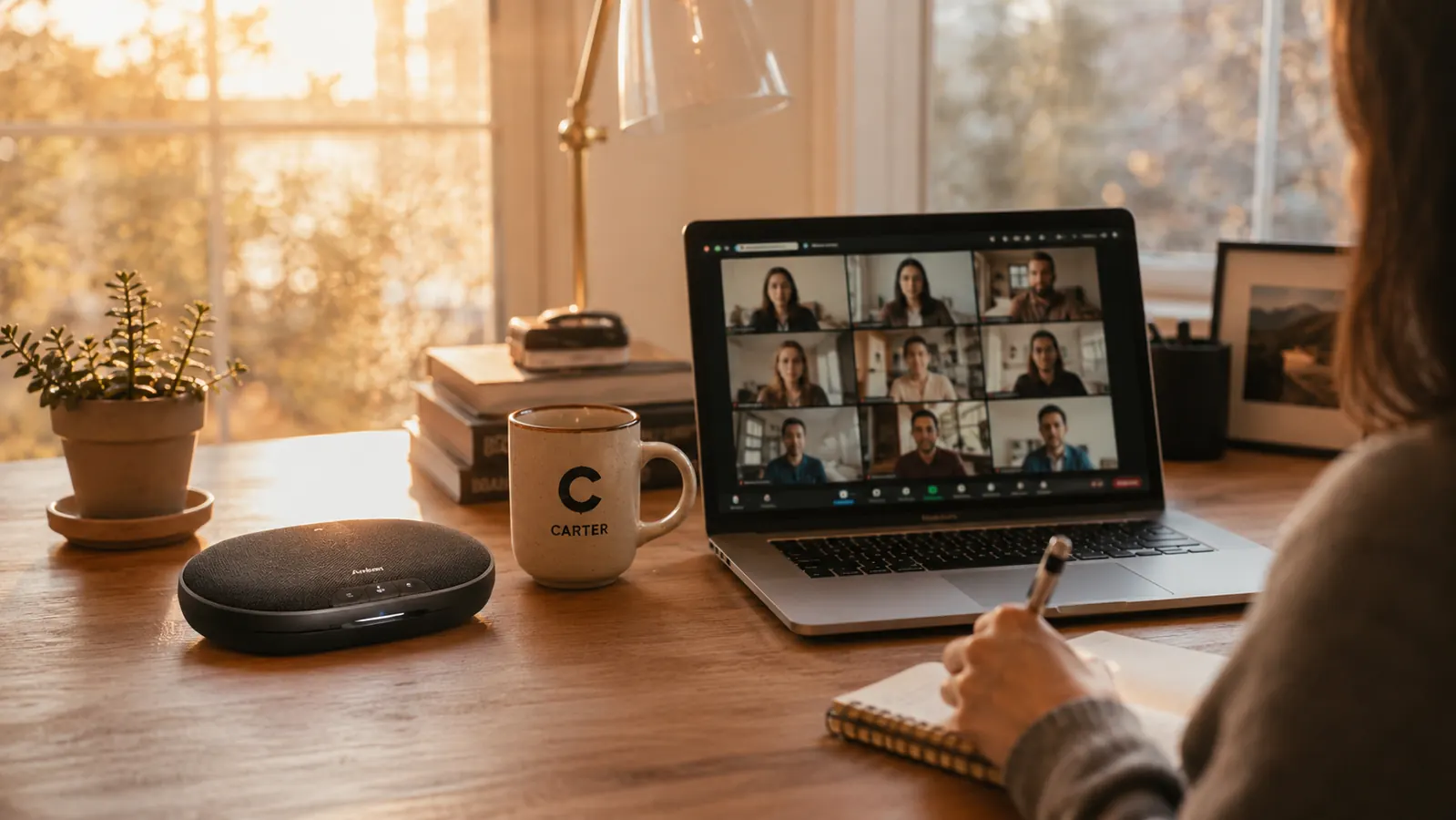
Let me tell you what happens every time a USB speakerphone hits 4.4 stars and a thousand reviews on Amazon. The spec sheet gets copy-pasted across fifty review sites. Everyone mentions the microphone count. Nobody mentions the short cable. Nobody tells you what happens when you run it on a laptop that's two years old with a slightly flaky USB port. And nobody explains that the list price has been the same long enough that the value calculus depends entirely on whether you catch it during a sale window.
I bought the Anker PowerConf S330 specifically because I was tired of the reviews I kept reading. I am Marcus Reed, and I have tested home office audio gear for years. My test environment is not a soundproofed studio: it is a 12-by-14 home office with a window facing a moderately busy street, a desktop PC and a work laptop both running on the same USB hub, and calls starting as early as 7:30 a.m. before the neighborhood quiets down. Here is what nobody told me before I bought this thing.
The Quick Verdict
A genuinely capable USB conference speakerphone that earns its price on microphone quality alone, but the cable length, the USB-only design, and the speaker limitations mean it is not the right answer for every remote worker.
Amazon Check Today's Price →Stop making your coworkers lip-read through laptop audio.
The Anker PowerConf S330 uses six microphones and 360-degree pickup to put your voice front and center on every call. Check today's price on Amazon and see if the timing works for your budget.
Amazon Check Today's Price on Amazon →How I Tested It (And What I Was Trying to Break)
My test protocol was simple: I used the S330 as my only call audio device for eight weeks, across every video platform I regularly use. I did not set it up under ideal conditions and leave it there. I moved it around the desk deliberately, used it with different USB cables, ran it off USB hubs instead of direct ports, and tested it in three different lighting and noise conditions throughout the day: early morning with street traffic, midday quiet, and afternoon with my window AC unit running.
I also asked two people I call with frequently, both of whom did not know I was testing gear, to describe what my audio sounded like before and after I switched. That kind of blind feedback is more valuable to me than any spec sheet number. Their responses shaped which sections of this review exist.
The Thing Nobody Tells You About the Mute Button
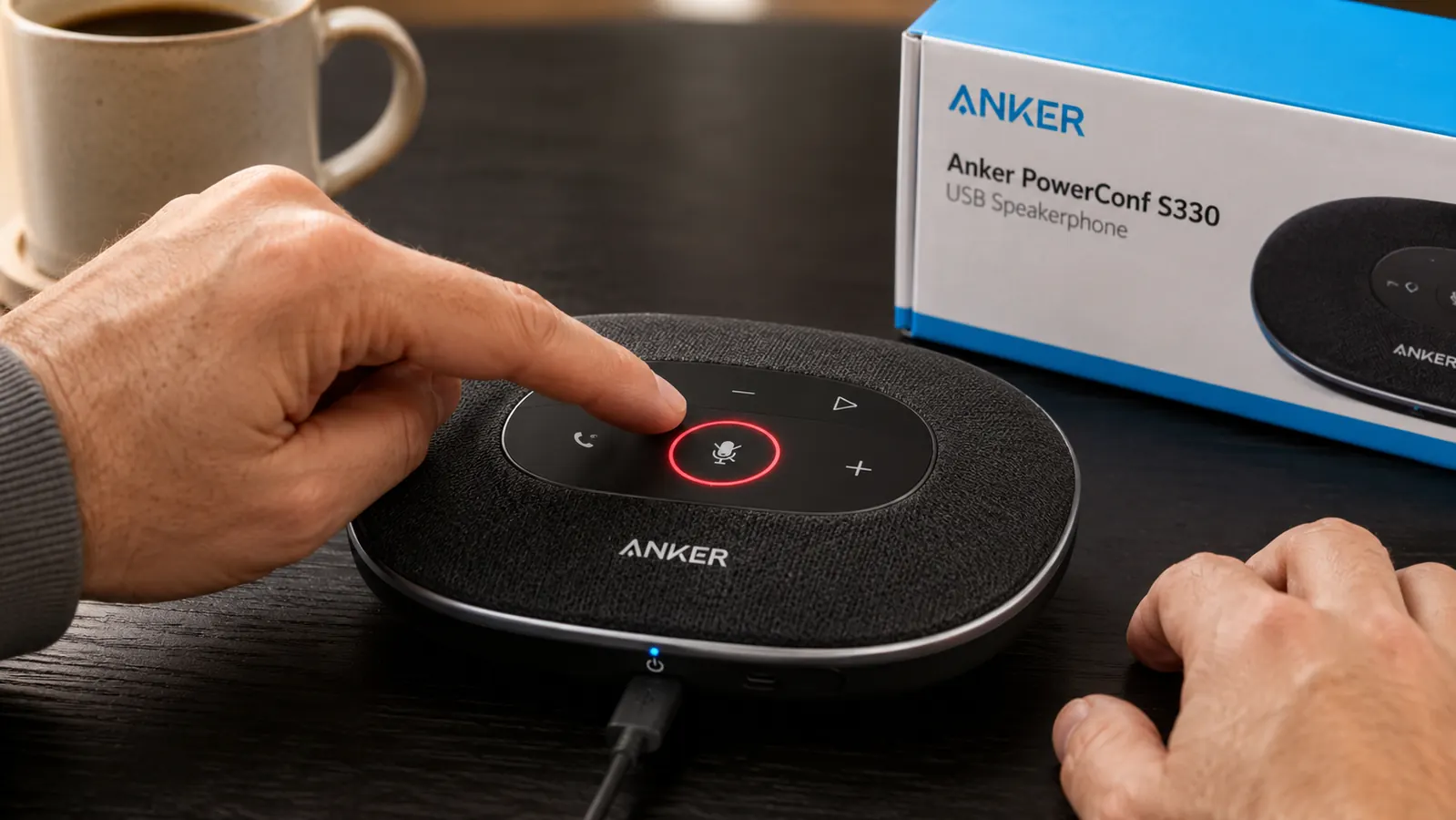
Here is the first honest piece of information you will not find on the product listing. The S330 has a hardware mute button that syncs with Zoom and Teams so that pressing the button on the device also registers as muted inside the app. That sounds basic, but it solves an actual problem: on most generic USB audio devices, you can be locally muted at the hardware level while Zoom still shows you as unmuted, or vice versa. That mismatch is the source of the classic 'you're on mute' moment when you swear you aren't.
The S330's mute sync worked correctly with Zoom every single time I tested it. On Microsoft Teams it worked correctly about 90 percent of the time. The remaining 10 percent of cases involved Teams being slow to register the hardware state change, typically during high-load calls with screen sharing active. In those situations there was a one to two second delay before Teams reflected the muted status. Not a dealbreaker, but worth knowing if you frequently toggle mute in fast-moving meetings.
The red LED mute ring is bright enough to see clearly in daylight from across a 12-foot room. That matters more than it sounds. When you are heads-down in work between calls and your phone rings through a Slack huddle, a fast glance tells you your status. The LED placement on top of the device rather than on the side is a genuine design win.
Microphone Reality Check: What the Six Mics Actually Do
The marketing copy says six microphones, 360-degree coverage, 8-foot pickup range. Here is what that actually means in practice for a solo home office worker. You are not in a conference room. You sit in roughly the same spot every day, somewhere between 18 and 30 inches from the device. For that use case the 360-degree pickup is largely irrelevant to you personally, but what it does give you is redundancy. If you turn your head while talking, lean back in your chair, or stand up suddenly during a call, the pickup stays consistent. You don't have to perform for the microphone.
The honest limitation is that the six-microphone array also picks up your keyboard. I use a mid-range mechanical keyboard, not an aggressively loud one, and if I typed at full speed during a call without the S330's noise cancellation doing its job, the people on the call would notice it. With the noise cancellation active at default settings, moderate typing at normal rhythm mostly disappears. Hard, fast typing still bleeds through. If you type at 90-plus words per minute during calls, be aware of this. It does not make the S330 a bad device, but it means the noise cancellation has limits like any noise cancellation does.
The six-microphone array is not magic. What it buys you is consistency. You stop having to perform for the microphone, and that changes how you carry yourself on calls.
One thing that genuinely impressed me was how the S330 handled my window AC unit running about 6 feet behind me. On my laptop's built-in microphone that AC was audible and distracting, according to people I called. On the S330 both of my call partners said they heard nothing unusual. The directional noise rejection around the 180-degree rear of the device is noticeably stronger than the sides, so positioning matters. Face the top of the device toward your primary speaker position and point the back arc at your biggest ambient noise source.
The Cable Situation: Shorter Than You Think
The bundled cable is roughly 4 feet long. If your desk is under 30 inches deep and your USB port is near the front of your laptop or on a docking station sitting on the desk surface, you will be fine. If your setup involves routing cables through a grommet to a power strip on the floor or a tower PC under the desk, 4 feet is short. I measured my desk at 31 inches deep with a docking station elevated on a small stand at the rear, and the cable reached with about 6 inches of slack.
The fix is cheap: a 6-foot USB-C cable costs a few dollars and the S330 works identically with any quality cable. But on a device at this price point, shipping a longer cable would be a reasonable expectation. I want you to know this before you buy so you are not crawling under your desk on day one. Budget for a spare cable if your setup has the cable running any distance.
The Speaker: Good Enough, and That's the Right Frame
Some reviewers complain that the speaker sounds thin. They are right, but they are judging it against the wrong baseline. The S330 is not a music speaker that also takes calls. It is a call device with a speaker that is tuned for voice frequency reproduction. Voices sound natural and intelligible at comfortable volumes. I ran a full-team Friday call at 75 percent volume in my office without straining to hear anyone, including a colleague with a naturally quiet voice.
The ceiling on loudness is real. I tried to use the S330 to listen to a recorded webinar while working across the room, about 8 feet away, and it was not loud enough to be clearly audible over normal desk noise. If you want ambient audio playback from a distance, you need a real speaker for that task. The S330 is for calls at your desk, nothing else, and within that role it performs well.
One genuine surprise: the far-end audio on Teams compressed calls was more intelligible through the S330 than through the studio monitor I briefly compared it against. The voice-tuned driver handles narrow-band phone-quality codecs better than a full-range driver does. When your company's IT infrastructure is serving up sub-ideal audio quality, the S330 actually helps you hear through it. That is a practical benefit that shows up in daily use.
USB Hub Compatibility: The Part Other Reviews Skip
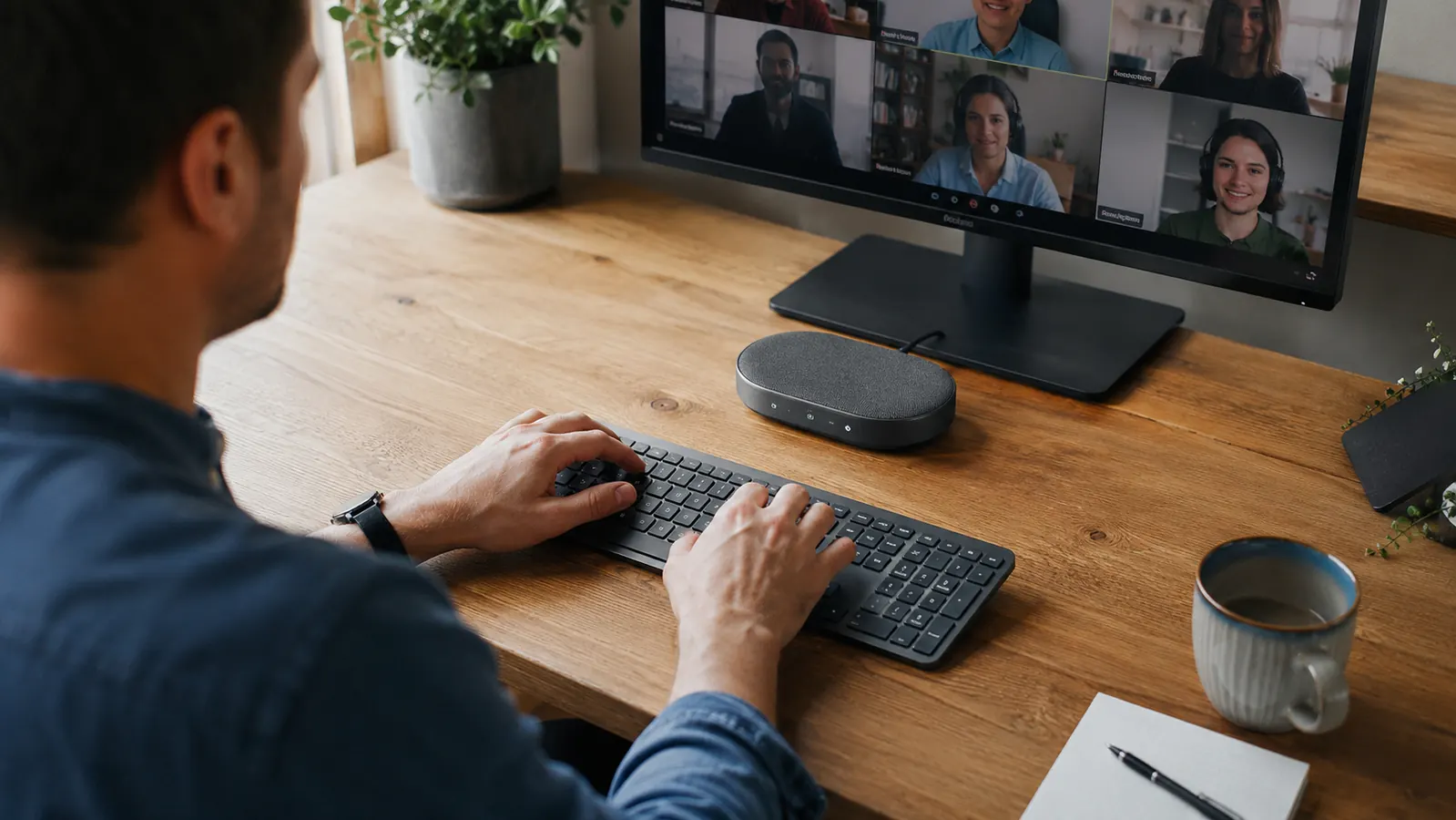
I use a seven-port powered USB hub on my desk. Three devices run off it at all times: an external hard drive, a webcam, and now the S330. Unpowered USB hubs can starve audio devices of the current they need, which causes dropout, static, or the device failing to initialize correctly. My powered hub handles all three devices without issue. If you are planning to run the S330 off an unpowered hub or a USB splitter, test it first before assuming it will work reliably. I know two people who bought this device and had choppy audio until they moved it to a direct port or a powered hub. The S330 itself was not the problem, but the setup trapped them.
Direct connection to a laptop USB-C port is the most reliable option. If you have a choice, use it. If your laptop's USB ports are all occupied, a powered hub is the right solution, not an unpowered splitter. This is not unique to the S330, but it is practical information that the product page does not mention.
What I Liked
- Hardware mute button syncs correctly with Zoom and Teams so you always know your status
- Ambient noise rejection handles HVAC, traffic, and ceiling fan noise in a real home office
- Voice-tuned speaker actually helps on compressed Teams codecs where a full-range driver would not
- Bright top-mounted LED mute indicator visible clearly from across the room
- Plug-and-play on Windows and Mac with no drivers or app install required
- Compact enough to travel with, and the carrying pouch is a genuinely useful inclusion
Where It Falls Short
- Bundled cable is only about 4 feet, which is short for many desk setups
- Keyboard noise bleeds through noise cancellation if you type fast and hard during calls
- USB-only with no wireless option, requiring a constant tether to your computer
- Speaker volume ceiling is too low for across-room listening or ambient playback use
- Teams mute sync occasionally lags one to two seconds during high-load screen-sharing calls
Who This Is For
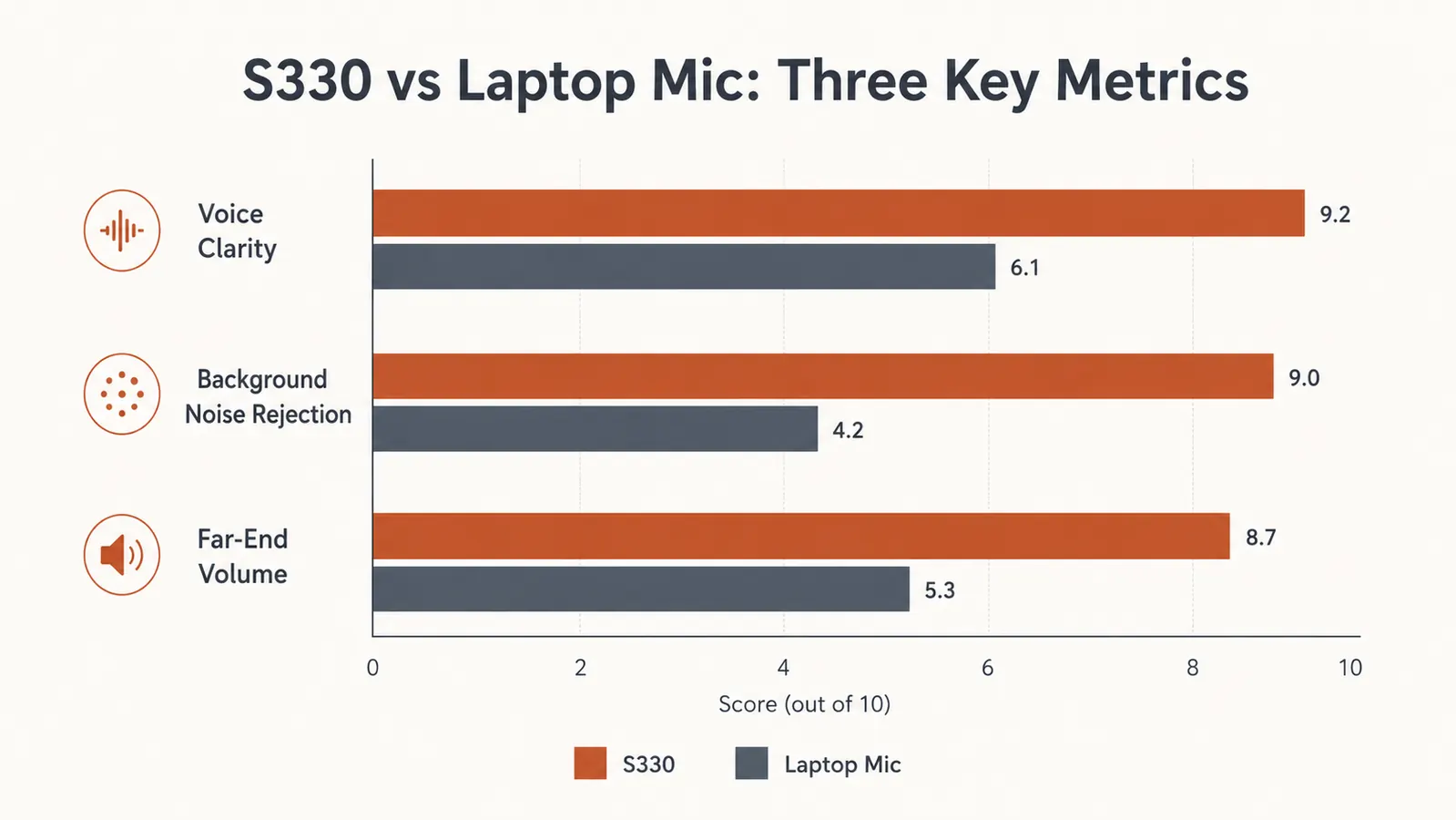
The Anker PowerConf S330 is the right device if you work alone in your home office, spend a meaningful part of your day on calls, and want to stop thinking about call audio. Solo remote workers, freelancers with frequent client calls, and anyone who works in HR, sales, recruiting, or customer success will get genuine daily value from this. The microphone quality lift from a laptop mic to the S330 is large enough that it will change how you are perceived on calls. That is not a marketing claim. It is what two people who take calls with me told me without knowing I had changed anything. For more context on how this device stacks up against its most popular competitor, see our breakdown of the Anker PowerConf S330 vs Jabra Speak 510.
It also works well for people who have tried Bluetooth earbuds for calls and find them uncomfortable after 60 to 90 minutes. The hands-free, wire-free-from-ears experience of a desk speakerphone is physically different, and for people who take three or four calls back-to-back, the comfort difference compounds across the week. If you have been on the fence about whether a speakerphone is meaningfully better than earbuds, read the longer-term experience with this device before deciding.
Who Should Skip It
Skip this if you need wireless. Skip it if you move between rooms on calls. Skip it if you want a device that doubles as a music speaker, because it does not. Skip it if you are buying it for a small shared conference room rather than a personal desk, the 360-degree pickup is fine but the speaker volume will not fill a room comfortably.
Also skip it if you type loudly and aggressively throughout calls. The noise cancellation is real but not absolute. If your keyboard is already an issue on calls and you are hoping a speakerphone will solve it entirely, you will be partially disappointed. The S330 reduces keyboard noise significantly compared to a laptop mic, but it does not eliminate it. Pairing it with a quieter keyboard or making a habit of pausing typing when speaking will get you the rest of the way.
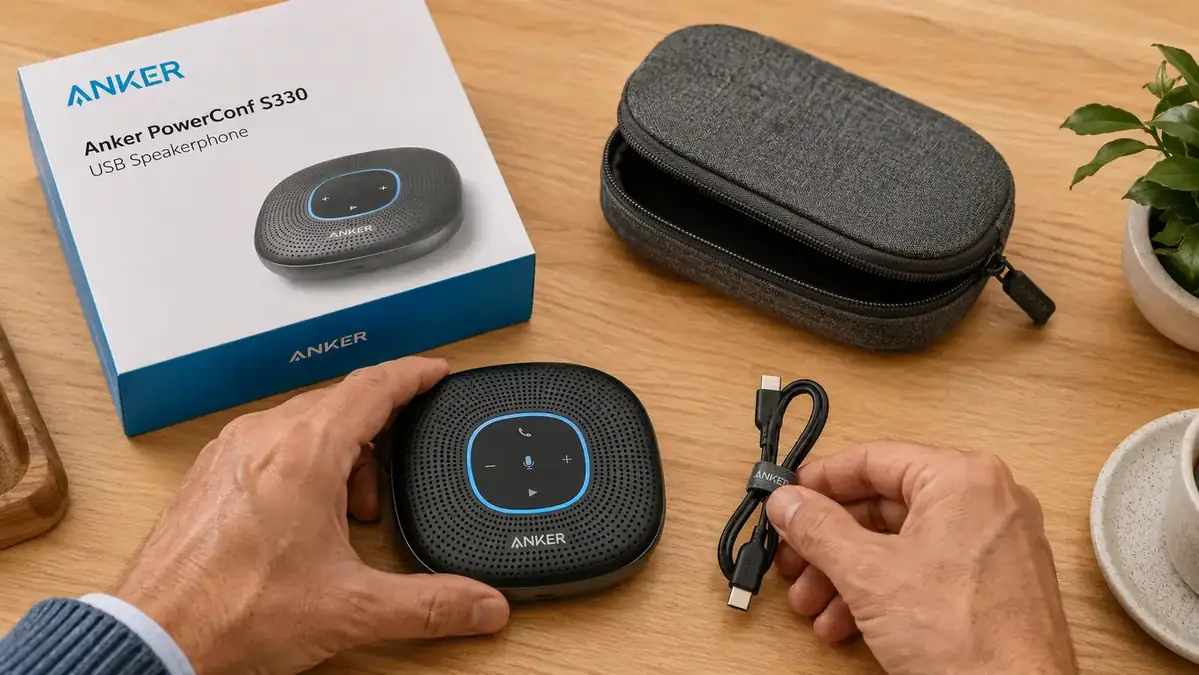
If you're still apologizing for your audio, this is the fix.
The Anker PowerConf S330 is not perfect, but for a solo home office worker it solves the right problems at a price that is hard to argue with. Check today's price on Amazon and decide if it fits your setup.
Amazon Check Today's Price on Amazon →